→
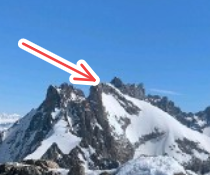
Arrow
Point directly at important areas.
Annotation tools
Simple tools for explaining, commenting on and highlighting screenshot content.
Try the toolsPoint directly at important areas.
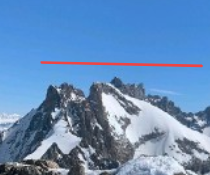
Draw simple straight lines.
Connect multiple points with a custom path.
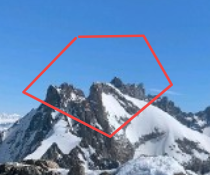
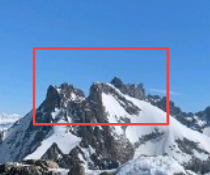
Frame a specific area.
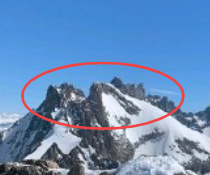
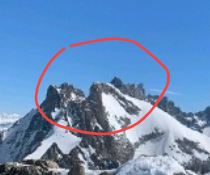
Circle an important element.
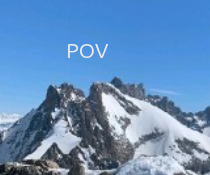
Add comments and explanations.
Draw freely on your image.
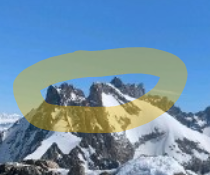
Emphasize important information.
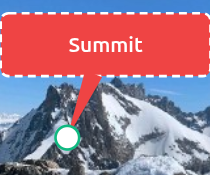
Add callouts that point to specific elements.
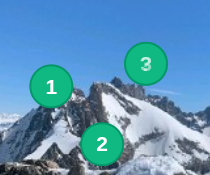
Create visual step-by-step instructions.
Blur or completely hide sensitive information.
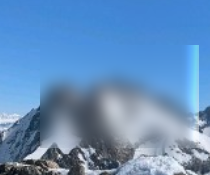
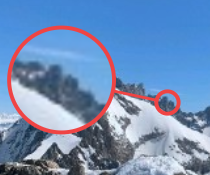
Magnify small details without losing context.
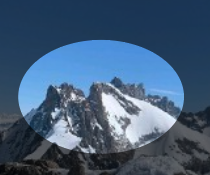
Darken the image around an important area.
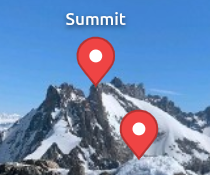
Mark and label precise locations on an image.
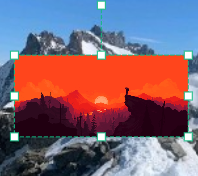
Add logos, images or secondary screenshots.
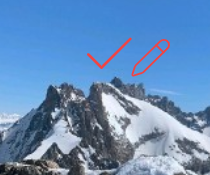
Add visual symbols and emoji to your annotations.
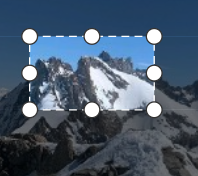
Keep only the useful part of the image.
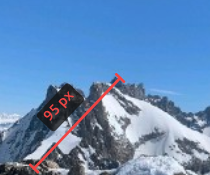
Measure distances and calibrate real-world scale.